






Price: $39.99 - $33.99
(as of Mar 26, 2026 00:55:09 UTC – Details)
Product description
TECKNET Bluetooth Headphones Suitable for Multiple Scenarios 
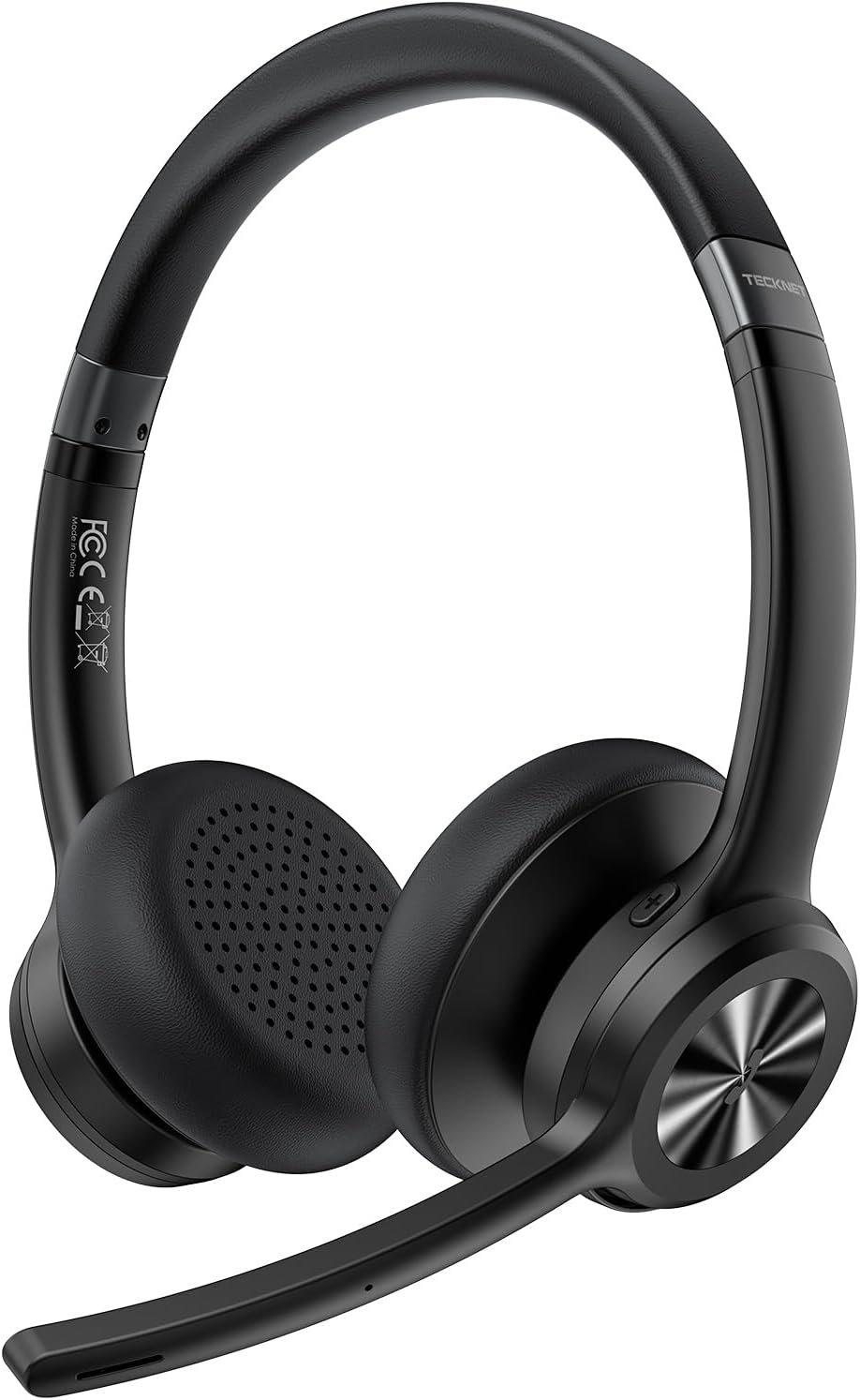
TECKNET Wireless Headset with ENC Noise Cancelling Microphone 
TECKNET Wireless Headset Compatible with Various Communication Software 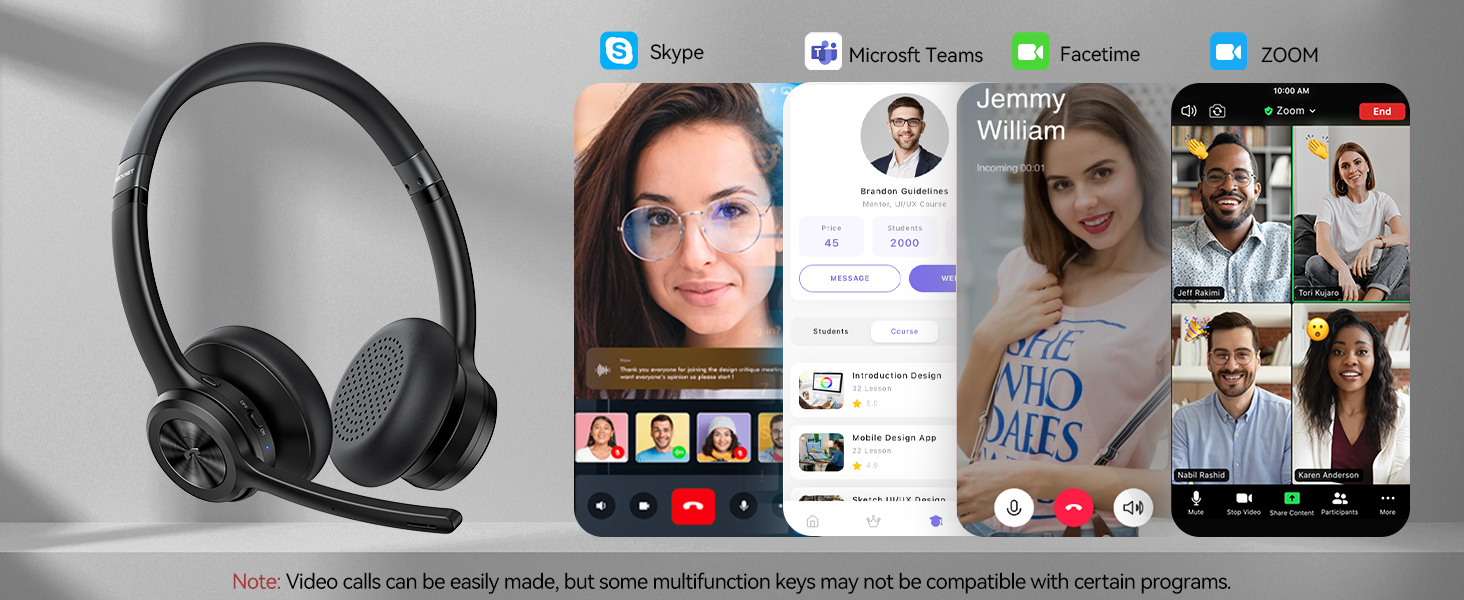
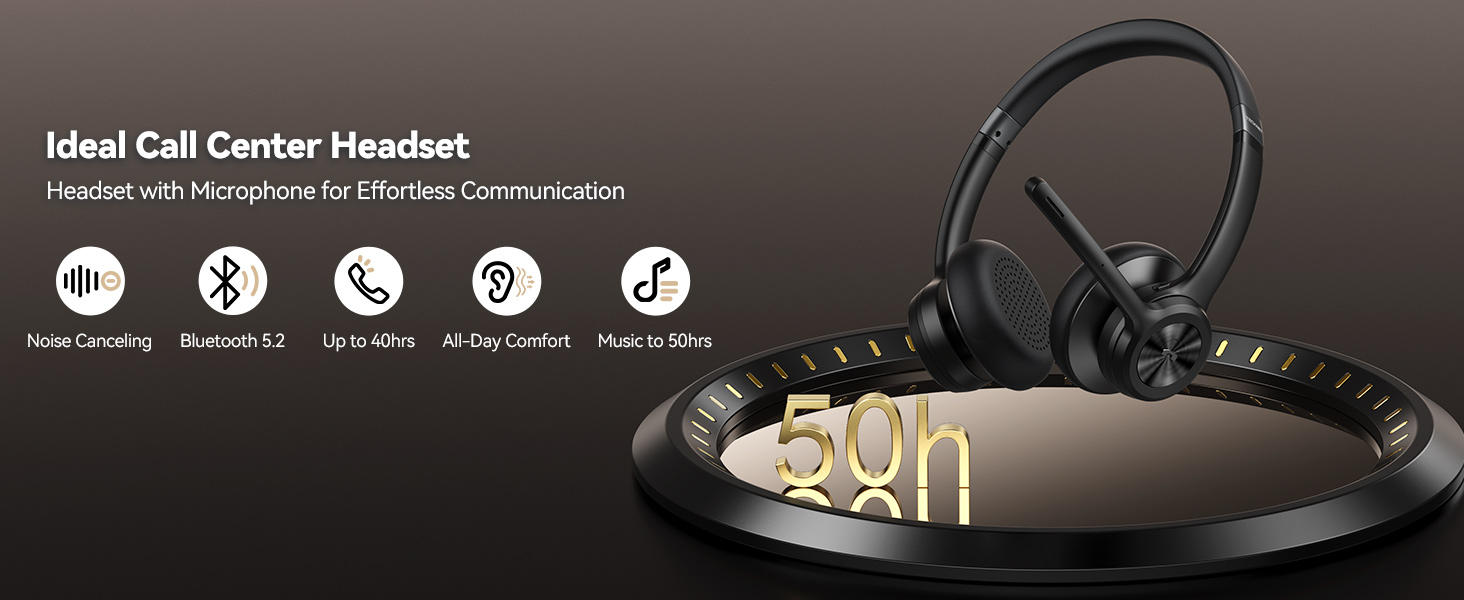

 If the mute button isn’t working, try these steps
1.Reconnect your headset.
2.Clear old pairings.
3.Restart while charging.

1 Multiple Functions
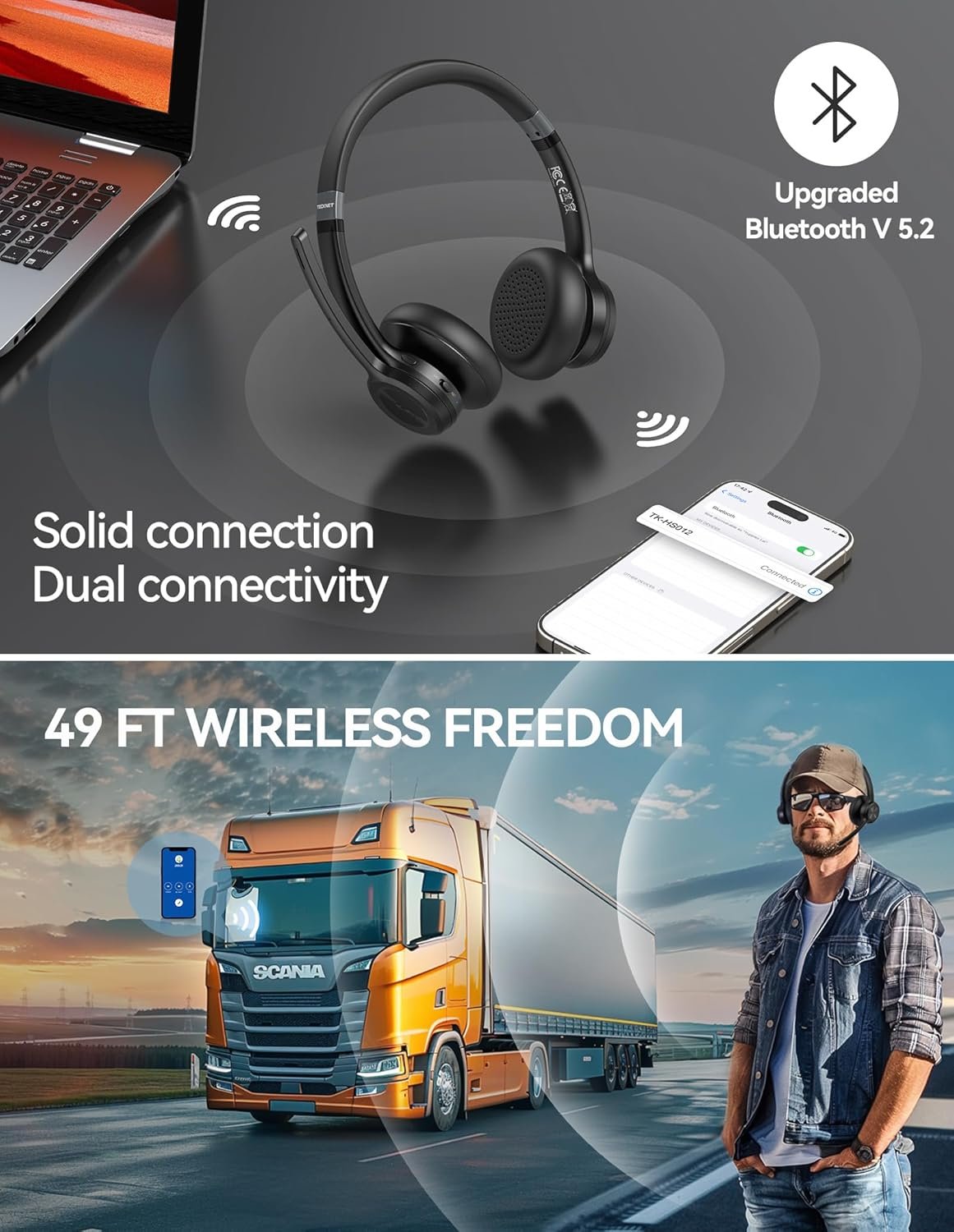
2 Dual Connectivity
3 Button Functions
4 Muted One Button




TECKNET Wireless Headset with Mic for Work Anywhere, Anytime 
Q1 How to reconnect? What should I do when the connection fails or after a long-distance disconnection? Answer When paired, the headset auto-reconnects after startup. If it doesn’t connect automatically, follow the pairing steps manually. It powers off after 10 minutes if no connection is made. Q2 What should I pay attention to when using headphones on Teams? Answer You need to confirm whether the microphone is disabled or muted, and whether the headset is selected as the device for the call software. Q3 Can I use the headset while it’s charging? Answer Yes, the headphones can be used normally while charging. Q4 When will the headset automatically shut down? Answer The headset will automatically shut down if it remains unconnected for more than 10 minutes or when the battery level is low. Q5 How do I delete pairing records? Answer Press and hold the “MFB” and “Volume-” buttons for 5-6 seconds to delete the pairing record of the headset. Q6 What devices can be used to charge the headset? Answer The headset can be charged using car chargers, travel chargers, computer USB ports, etc.. provided that the DC voltage is 5V and the current exceeds 500mA. Q7 What is the password for pairing? Answer If the device prompts for a password/PIN,try entering one of the following: 0000, 8888, 1111, or 1234. Note: Most devices will not require you to enter a password. Q8 When will the headset automatically shut down? Answer The headset will automatically shut down if it remains unconnected for more than 10 minutes or when the battery level is low.
【Noise-canceling microphone & mute button】Our bluetooth headsets are equipped with a high-quality chip that can suppress 96% of environmental noise, ensuring clear and loud voice transmission even in noisy environments. Additionally, TECKNET wireless headset feature excellent drivers for outstanding audio quality in movies, music, and online chats. The microphone mute function protects your privacy, allowing you to communicate with people around you during calls without being heard by the other party.
【Stable Bluetooth V5.2 Technology & Dual Connection】The wireless headphones are equipped with powerful Bluetooth and sound processing chips using the latest technology. Connect the wireless headset with a mic for work to two devices within seconds. The indoor connection range can reach 49 feet/15 meters.
【Long Battery Life & Comfortable Design】TECKNET Bluetooth headphones with microphone offer 50 hours of music playback and 720 hours of standby time, ensuring long-lasting use. Its high-quality design and lightweight structure provide comfort throughout the day. These noise-canceling headphones feature a 270° rotatable microphone, adjustable headband, and soft ear cushions to ensure you have a comfortable working experience.
【Broad Compatibility】Our Bluetooth wireless headphones are carefully designed to seamlessly pair with Bluetooth-enabled devices such as PCs, MacBooks, smartphones, tablets, and iPhones, enhancing your home office experience. wireless headset with mic also support popular operating systems like Windows, Mac, Linux, Android, and iOS, making them ideal for online meetings, webinars, classes, WhatsApp, and other video calling applications without requiring additional drivers.
【Easy Control & 36-Month Warranty】Easily control the computer headphones with just a few buttons. Adjust volume and music tracks using the +/- buttons, pair with the on/off button, switch between 3 different modes effortlessly while listening to music using the MFB multifunction button, and mute the call microphone with the mute button (mutes your own voice). If you encounter any issues while using TECKNET wireless headphones, please feel free to contact our professional customer service team and enjoy a 36-month warranty from TECKNET (Registration Required).






Reviews
There are no reviews yet.